A slow online store loses money.
Research shows that a 1-second delay can reduce conversions by 7%.
When your site slows down or crashes, customers leave, carts are abandoned, and trust drops.
That’s why you need a good e-commerce web hosting.
Your hosting plan controls site speed, uptime, security, and how well your store handles traffic.
Choose the wrong plan and growth stalls. Choose the right one and your store stays fast, secure, and ready to scale.
This guide shows you how to choose the best e-commerce web hosting plan, step by step.
You’ll learn:
- Which hosting type fits your store
- The best e-commerce hosting providers, compared
- The key factors that affect speed, sales, and SEO
If you want fewer technical issues and more completed checkouts, start here.
Step 1: Choose the Right Type of E-commerce Web Hosting
Before you look at hosting companies, there’s one decision that is very important.
You need the right type of hosting.
Not all online stores work the same way. A setup that runs fine for a small shop can fall apart the moment traffic spikes.
That’s why choosing the wrong hosting type often leads to slow pages, checkout errors, or surprise upgrades.
There are three main routes you can take. Each one fits a different kind of store and a different way of working.
WooCommerce Hosting
WooCommerce runs on WordPress and powers a huge share of online stores worldwide.
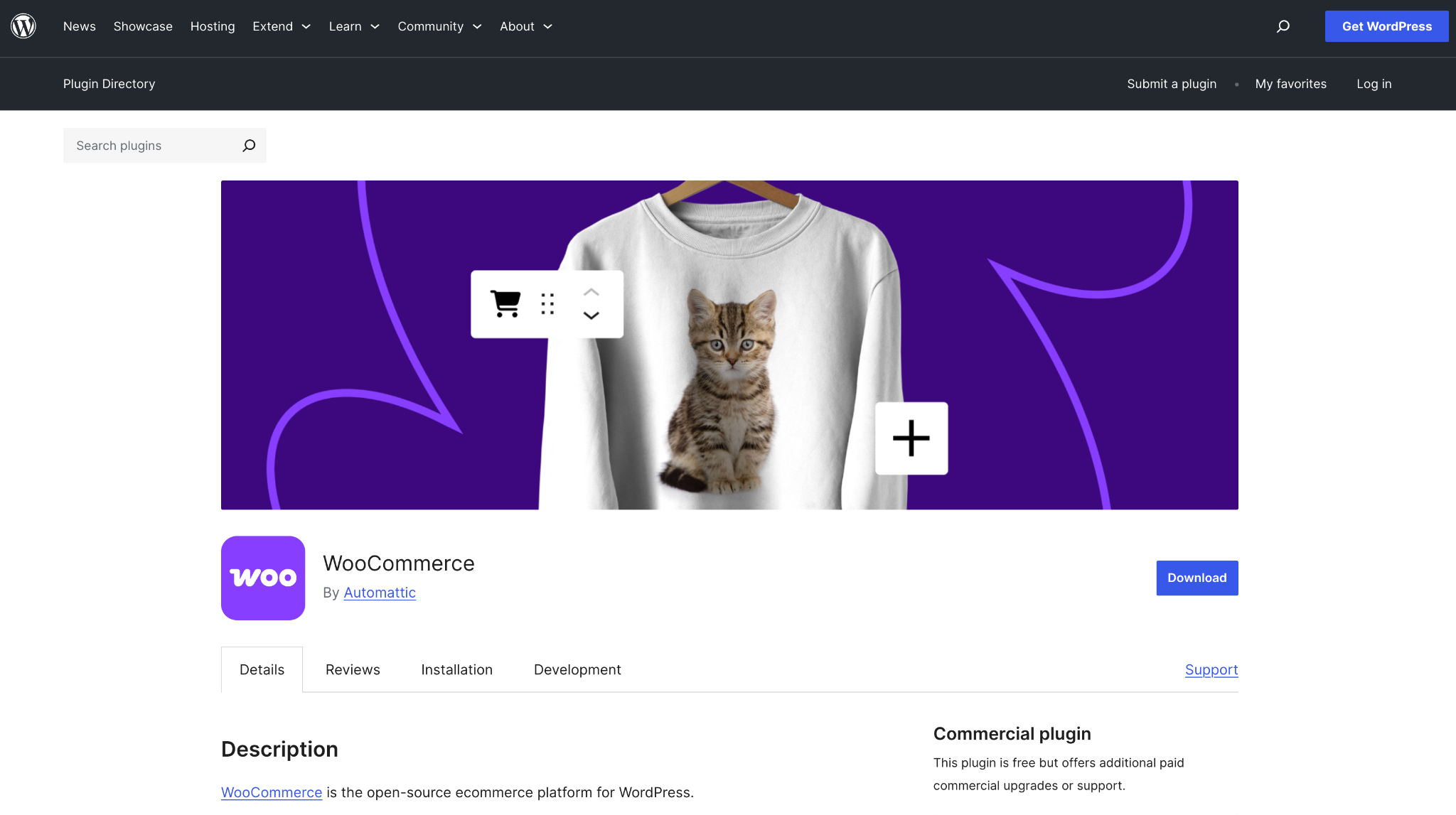
It’s popular because it gives you control without locking you into one system.
With WooCommerce, you decide how your store looks, how it works, and which tools you use.
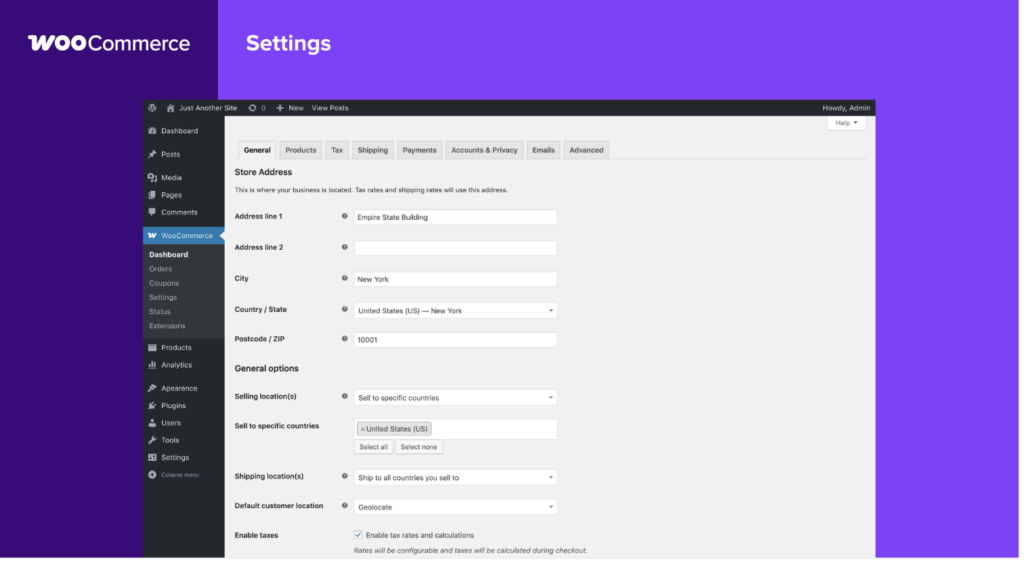
Want a custom checkout? Special shipping rules? Advanced coupons? There’s usually a plugin for that.
Here’s what stands out:
- You can shape every part of your store, from design to features
- There are thousands of plugins for payments, shipping, taxes, and marketing
- Getting started is affordable, with many hosting plans costing under $5 per month
The trade-off is responsibility. You handle updates, backups, and basic maintenance.
That sounds scary, but most hosts simplify this with dashboards and one-click tools.
What makes WooCommerce powerful is how well it grows with you.

Many sellers launch with a few products, then scale to hundreds or even thousands without changing platforms.
If owning your store and having room to grow is your goal, WooCommerce is hard to beat.
Website Builder Hosting
Website builder hosting keeps things simple. Hosting, design, checkout, and payments all come bundled together.

You choose a template, add your products, connect a payment method, and you’re ready to sell. No plugins. No server settings. No technical setup.
This route works because:
- Drag-and-drop editors make setup fast
- Payments and checkout are already built in
- Templates look polished without extra work
The downside shows up later. Custom changes are limited, and moving your store to another platform can be difficult once you grow.
That said, this setup is practical when speed is more important to you than flexibility.
It’s common for dropshipping stores, product tests, or first-time sellers who want to launch quickly without touching technical settings.
If your goal is to start selling as soon as possible, this option removes a lot of friction.
Dedicated E-commerce Hosting
Dedicated e-commerce hosting is designed for stores that already see steady traffic or large order volumes.

Instead of sharing resources, your store gets hosting built to handle constant activity.
Payments, product updates, and customer accounts all run smoothly, even during traffic spikes.
This setup usually includes:
- Strong security for handling payment data
- Support for large catalogs with thousands of products
- Automatic scaling when traffic increases
The cost is higher, often $20 or more per month, but that price reflects stability and performance.
Stores processing hundreds or thousands of orders daily use this type of hosting because downtime or slow checkout costs real money.
If your store is already busy or growing fast, this setup prevents problems before they start.
Quick Way to Narrow It Down
- If tech setup feels overwhelming, a website builder keeps things simple.
- If you want freedom and room to grow, WooCommerce gives you that space.
- If your store already handles heavy traffic, dedicated hosting keeps everything stable.
- Once you know which path fits your store, comparing hosting providers becomes much easier.
Step 2: Compare the Best E-commerce Web Hosting Providers
To make this fair, we looked at each provider through the same lens.
No fluff, no marketing buzzwords, just the things that actually affect an online store day to day:
- Speed and uptime (because slow stores lose sales)
- Ease of use (especially if you’re not a server wizard)
- Security protections (SSL, firewalls, automated monitoring)
- Room to grow as traffic and orders increase
Every hosting option below can handle e-commerce sites, including WooCommerce or fully hosted platforms.
| Provider | What Stands Out | Starting Price |
| SiteGround | Consistent performance and reliability | From $3.99/month |
| Shopify | All-in-one store setup | From $29/month |
| Hostinger | Affordable with modern tech | From $2.99/month |
| Hosting.com | Simple setup for new stores | From $3/month |
| Ionos | Low entry cost with flexible plans | From $1/month |
| Bluehost | Built to handle traffic growth | From $2.95/month |
| A2 Hosting | Speed-driven infrastructure | From $2.99/month |
SiteGround
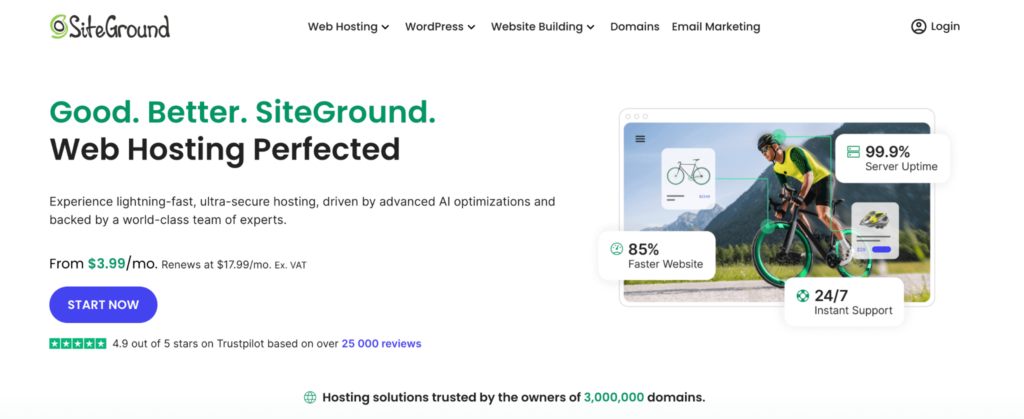
SiteGround has a reputation for being rock solid, and that reputation is earned.
Pages load quickly thanks to built-in caching, Google Cloud infrastructure, and free CDN integration.
On the security side, you get proactive monitoring, AI-based bot blocking, and automatic updates all running quietly in the background.
One thing users consistently mention is stability during traffic spikes.
SiteGround tends to hold steady on both W a flash sale and a seasonal promo, when other hosts start wobbling.
The trade-off? Renewal prices are higher than the intro rate, but performance and support quality don’t drop off after year one.
Shopify

Shopify takes a very different approach because hosting is bundled into the platform itself.
You don’t worry about servers, updates, or performance tuning, it’s all handled for you.
Hosting, checkout, payments, and security are baked in, which makes launching a store surprisingly fast.
This setup works especially well if you value simplicity over technical control.
The downside is flexibility. Custom server tweaks aren’t an option, and moving your store away from Shopify later can be more complicated than migrating a standard WordPress site.
Hostinger

Hostinger punches above its price point. Even on entry-level plans, you get NVMe storage, LiteSpeed servers, and a clean custom control panel that’s easier to navigate than traditional cPanel.
It’s a popular choice for smaller stores, test projects, or sellers just getting started.
Performance is solid for the price, though support response times can slow down during busy periods.
Still, for budget-conscious users who don’t want outdated tech, it’s a strong contender.
Hosting.com

Hosting.com leans heavily into simplicity.
WooCommerce installs take a single click, and the onboarding guides actually walk you through setup instead of dumping you into a dashboard and wishing you luck.
The catch is scale. Entry plans only allow one website and limited resources, so growing stores may need to upgrade sooner than expected.
That said, for launching your first online store without friction, it does exactly what it promises.
Ionos
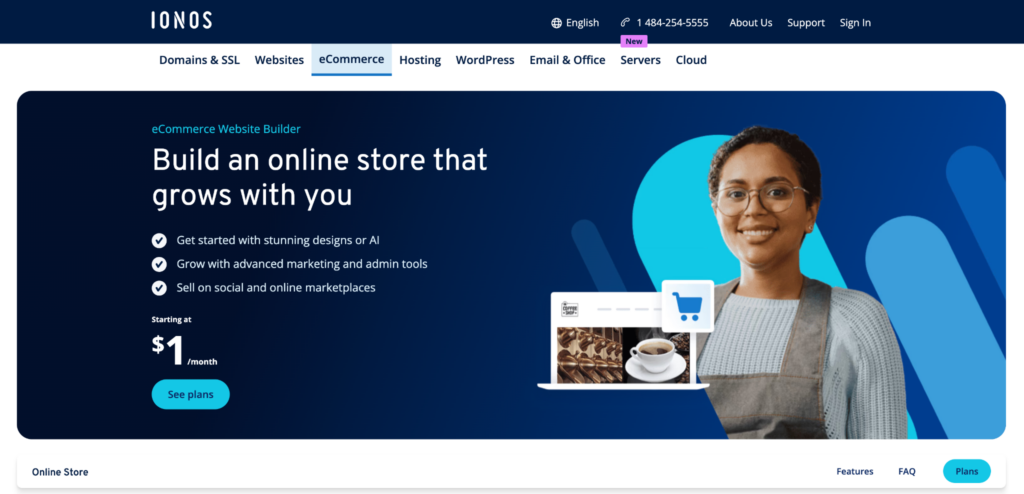
Ionos is known for ultra-low starting prices, but it’s not just a bargain bin host.
Security features are surprisingly robust, including daily backups, malware scanning, and DDoS protection.
Performance is stable, even if it doesn’t chase bleeding-edge speed benchmarks.
The control panel feels a bit old-school, which may throw off users used to modern dashboards.
Still, once you’re set up, everything works reliably, and the flexibility across shared, VPS, and cloud plans makes upgrades straightforward.
Bluehost
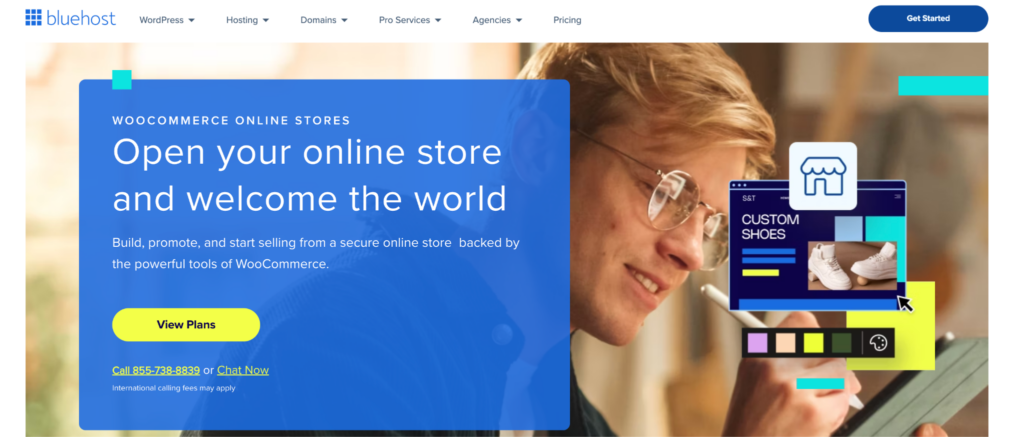
Bluehost is built with WordPress and WooCommerce in mind.
Store management tools come pre-installed, and resources scale as traffic increases, which is helpful once your product pages start ranking or your ads gain traction.
One thing to note: basic plans don’t include email hosting, so that’s an added cost for some users.
Still, for stores moving from “small” to “serious,” Bluehost offers a smooth transition without forcing an immediate jump to advanced hosting.
A2 Hosting

A2 Hosting puts speed front and center.
Their Turbo servers use LiteSpeed, optimized PHP, and aggressive caching to cut load times significantly.
Faster pages don’t just improve user experience, they also help with SEO and conversion rates.
Design tools and extras are fairly minimal, so this option makes the most sense if performance is your top priority and you’re comfortable handling design elsewhere.
For WooCommerce stores focused on speed and efficiency, A2 delivers where it counts.
Step 3: Check These 7 Factors Before Choosing a Hosting Plan
1) Core Hosting Features (The Stuff You’ll Outgrow Faster Than You Think)
At a minimum, your hosting plan needs enough room to breathe as your store grows.
Here’s what to scan for:
- Bandwidth that won’t throttle your site when traffic spikes
- Storage for product photos, videos, and backups
- A free domain so you’re not nickel-and-dimed on day one
To put numbers on it: around 10GB of storage comfortably supports ~100 products with images, assuming you’re using optimized image sizes.
If you’re selling high-res photos or downloadable files, you’ll want more headroom.
2) Speed & Performance (Where Sales Are Won or Lost)
Slow pages quietly kill conversions.
Research consistently shows that pages taking longer than 3 seconds to load lose a significant chunk of visitors, and those people rarely come back.
Speed isn’t just about impatience either; Google uses it as a ranking signal.
Solid hosting helps with:
- Higher conversion rates
- Better search visibility
- Smoother browsing, especially on mobile
When comparing plans, look for SSD or NVMe storage, built-in caching, and CDN integration.
These aren’t “nice extras” they’re the difference between a site that feels instant and one that feels broken.
3) Customer Support (Because Things Break at the Worst Possible Time)
If your checkout stops working at 11 PM on a weekend, waiting 24 hours for an email reply is not an option.
Good hosting support should include:
- 24/7 live chat or ticket support
- Response times measured in minutes, not days
- Staff who actually understand e-commerce platforms
Be cautious with hosts that push users toward community forums as their main support channel.
Forums are fine for tips but not when your revenue is on the line.
4) Security (Non-Negotiable for Online Stores)
E-commerce sites are popular targets, especially smaller ones that assume they’re “too small to notice.”
Your hosting plan should cover:
- Free SSL certificates (HTTPS is mandatory now)
- Firewalls to block suspicious traffic
- Malware scanning and removal
- Secure handling of payment data
A large percentage of website breaches trace back to outdated or poorly secured hosting environments, not the store owner’s mistakes.
This is one area where cutting corners almost always backfires.
5) Uptime Guarantee (Silent Revenue Protection)
Uptime tells you how often your site is actually available to customers.
Here’s what the percentages mean in real life:
- 99.9% uptime ≈ under 9 hours of downtime per year
- 99.99% uptime ≈ under 1 hour per year
Those numbers are crucial during promotions, launches, or holiday sales.
Even short outages during peak traffic can cost more than a year of “cheap” hosting savings.
6) Platform Compatibility (Avoiding Headaches Later)
Your hosting should play nicely with whatever platform you’re using Shopify, WooCommerce, Magento, or something else.
Helpful signs include:
- One-click installs
- Automatic updates for core software
- Native support for payment gateways and plugins
When hosting and platform don’t align well, you’ll see random errors, broken checkouts, or slow admin dashboards.
None of that is fun to troubleshoot.
7) CDN Support (Speed for Global Visitors)
If people from different regions visit your store, a CDN is a quiet game-changer.
A Content Delivery Network stores copies of your site on servers around the world, so visitors load pages from the closest location. The result:
- Faster load times
- Lower bounce rates
- Less strain on your main server
Most reputable hosts include free CDN access, and setup usually takes just a few clicks. It’s one of the easiest performance wins you can get.
Final Verdict
Your hosting plan is the foundation of your online store.
WooCommerce hosting offers control.
Website builders offer speed.
Dedicated hosting handles heavy traffic.
Most small stores spend $5 to $30 per month on e-commerce web hosting. That cost is small compared to lost sales from slow load times or downtime.
Choose a plan that fits your store today and allows growth tomorrow.
Most hosting providers offer 30-day refunds. Use that window to test speed, uptime, and support.
A fast, stable store converts better.
The right hosting plan makes that possible.